
MEMORIES, MADE WEARABLE
Photo-Printed T-Shirt
Upload your photo to the designer, crop around the subject and position it on the T-shirt. Use the original image and inspect the preview at the intended print size. A larger print needs more real detail, not simply more zoom.
- Order one or more
- Upload artwork or add text
- Preview before ordering
A little inspiration. A tee that's yours.
Illustrative mockups, not customer orders.
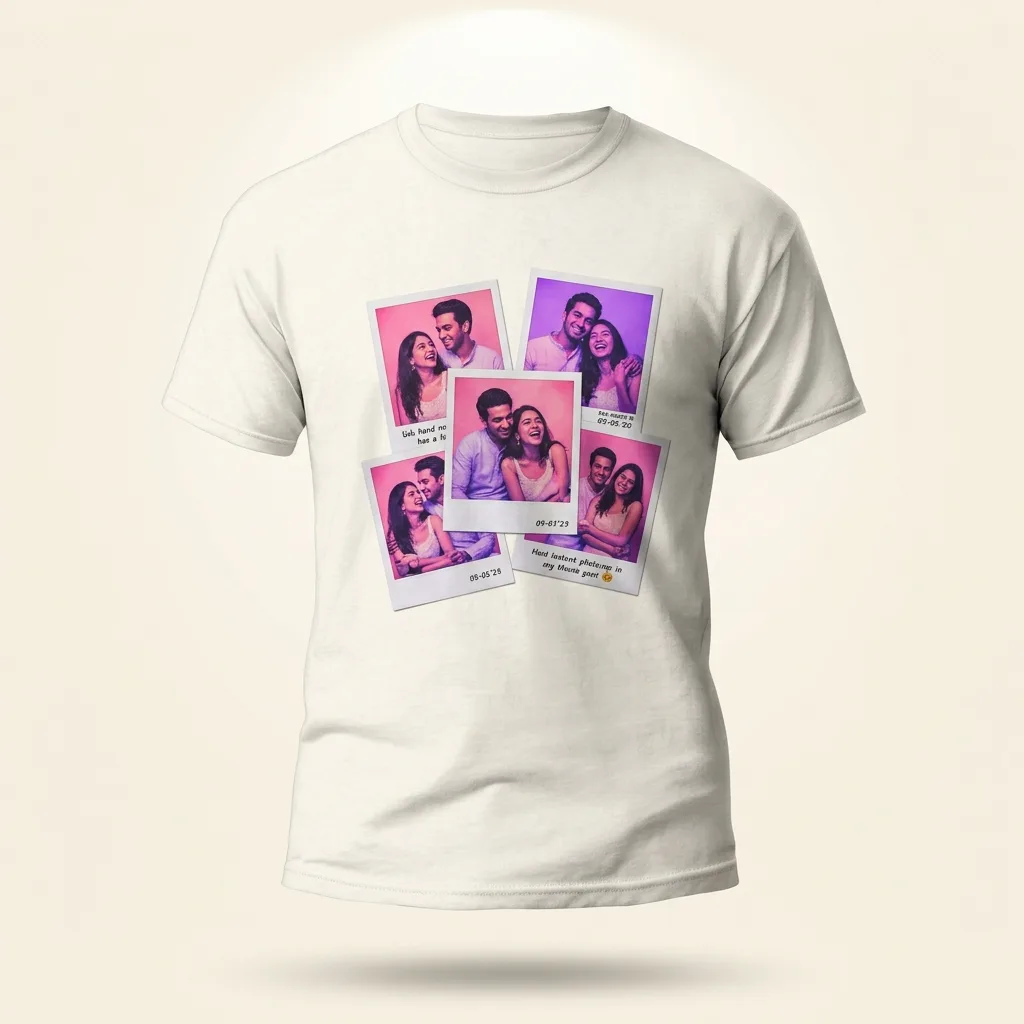
Keep a memory close
Bring several moments into one personal photo-led design.
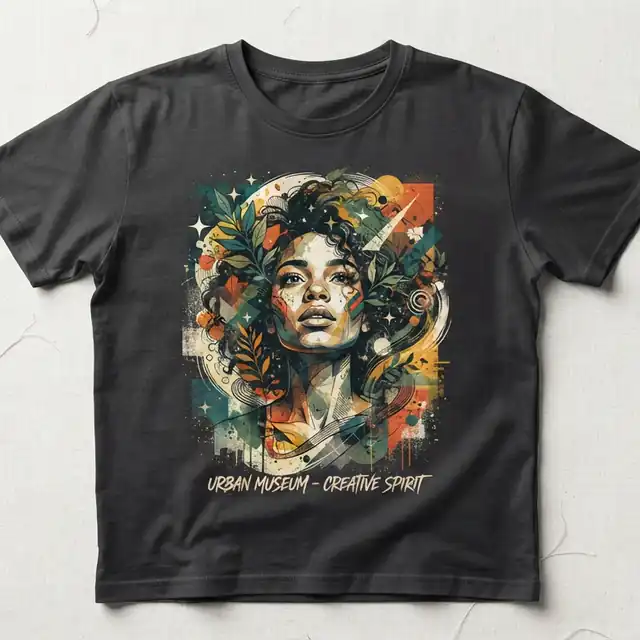
Give a portrait personality
An illustrated portrait offers a different direction from a straight photo print.
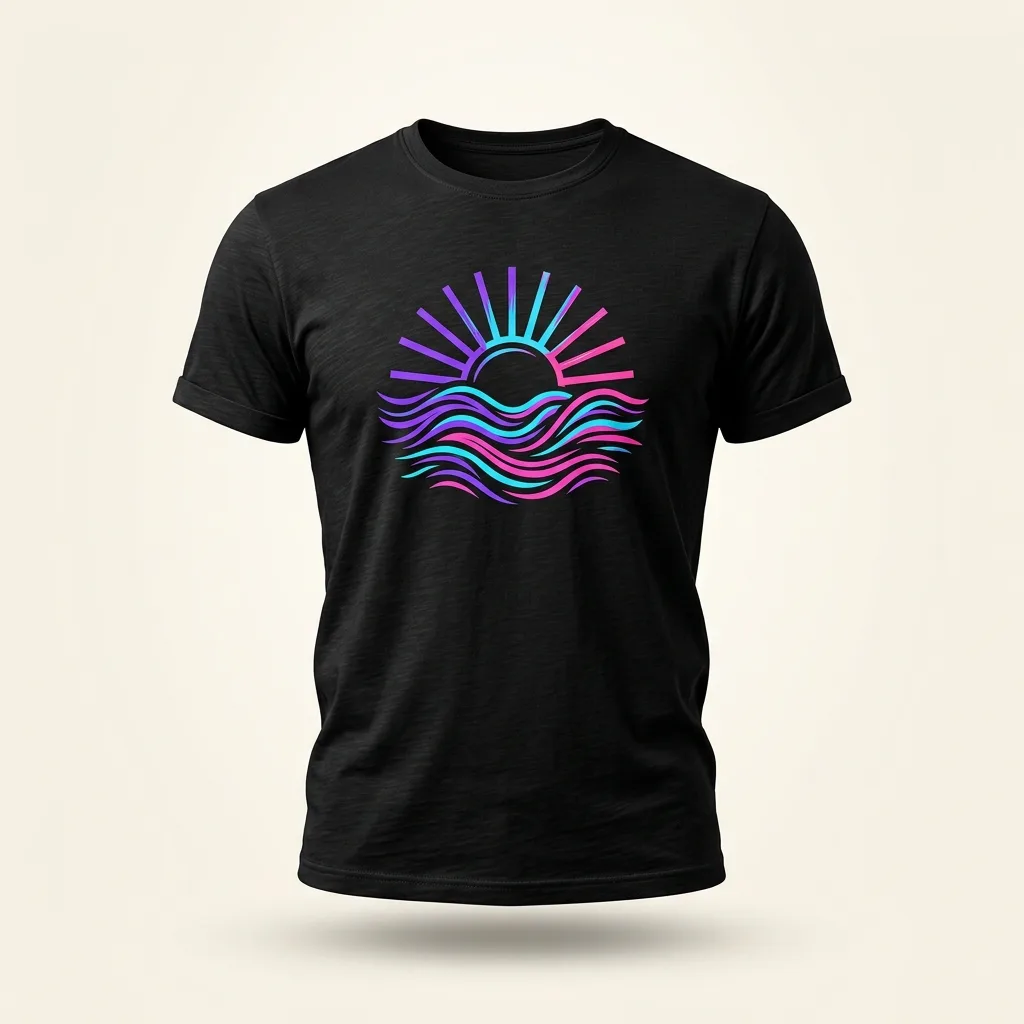
Make art wearable
One bold illustration, with space around it to let the design breathe.
Use your own photos, wording or artwork in the editor. Examples illustrate design directions, not included templates or a guarantee of print finish.
MAKE IT PERSONAL
Choose a photograph that reads clearly
Use the original photo rather than a screenshot or a compressed messaging-app copy. A clear subject and a simple background are easier to inspect on a shirt. Cropping can improve composition but cannot create missing detail.
A design idea to try
For a family gift, crop around the people rather than a distant landscape. Keep faces clear of the outer edges. Photo wali T-shirt ke liye original photo upload karein; screenshot se quality kam ho sakti hai.
01Start with the original file
Use the camera original or original download whenever possible. A social-media screenshot or repeatedly forwarded copy may have lost detail. Enlarging those pixels cannot restore faces, hair or lettering that was already blurred.
02Choose a frame, crop or cutout
A rectangular photo preserves the scene; a tight crop brings attention closer; a transparent cutout creates another composition. The background-color remover can help with simple backgrounds, but inspect the edges rather than assuming every background will disappear cleanly.
03Check faces at the intended size
A small face in a wide landscape can be difficult to recognize on a shirt. Reducing the print size or choosing a tighter crop can work better than stretching the image across the full front. Compare it against your selected shirt color.
Choose with confidence
Match source detail to physical print size
As a planning example, a 2400-pixel-wide image across 8 inches provides 300 pixels per inch. Across 12 inches it provides 200. This is not a production guarantee: focus, compression and the actual printing process also matter. Zoom inspects pixels; it does not recreate missing detail.
Follow the design workflowCrop before you enlarge
For a portrait, keep faces and important edges within the composition. For a landscape, decide whether the scene or the people should dominate. Inspect background-removal edges against the actual shirt colour. Save the original file so that cropping does not become your only remaining source.
Combine a photo with readable wordsHeavier fabric cannot repair a blurred photo
GSM describes fabric weight, not image resolution. For a photo gift, verify garment comfort, colour and compatibility with the proposed decoration process. Screen brightness and fabric texture can change the perceived result; request confirmation if precise colour reproduction is essential.
Separate fabric weight from image qualityAn email starts a conversation, not an order. Special fabric, print process, sample terms, quantity and delivery require confirmation.
Three steps to your own design
1. Bring your idea
Upload your own image or add the words you want to wear.
2. Make it yours
Choose your shirt, arrange the design and check every selected area.
3. Check your preview
Review the mockup, then confirm order sizes, colors, quantities and the final total in the cart.
Price and ordering
The current catalog base price is Rs. 999. Review every selected design area and cart line before paying. Check current dispatch guidance on the product page; ask the store before ordering for a fixed event date. A preview helps with placement, but is not a physical print proof.
Made-to-order products have specific replacement conditions. Read the replacement and refund policy and ordering terms before placing your order.
Questions before you design
Will zooming improve my photo's resolution?
No. Zoom helps you inspect the design; it cannot add real detail to a low-resolution image. Reduce the print size or use a higher-resolution original.
Can I print a couple or family photo?
Upload your own photograph or one you have permission to reproduce. Use a clear original and check that everyone is framed as intended.
Photo wali T-shirt ke liye kaunsi file use karun?
Original JPG ya PNG upload karein. Low-quality forwarded photo ko bada karne se detail wapas nahi aati. Preview mein faces aur crop zaroor check karein.
Will the print look exactly like my display?
A digital mockup is a placement reference, not a physical color proof. Screen brightness, fabric and printing can affect appearance. Ask the store if exact color matching is essential.
YOUR IDEA IS THE STARTING POINT
Ready to make it your own?
Start with your artwork or words. Preview before you order.